

Managing Project Members
Projects can have multiple members with different roles. Some account level roles allow access to project resources as well. Users can also be assigned project level roles in order to grant them access to specific project resources.
Add Project Member
To manage project members, navigate to the project settings page and click the Members & Access section, which shows a list of all members in the project and their roles.
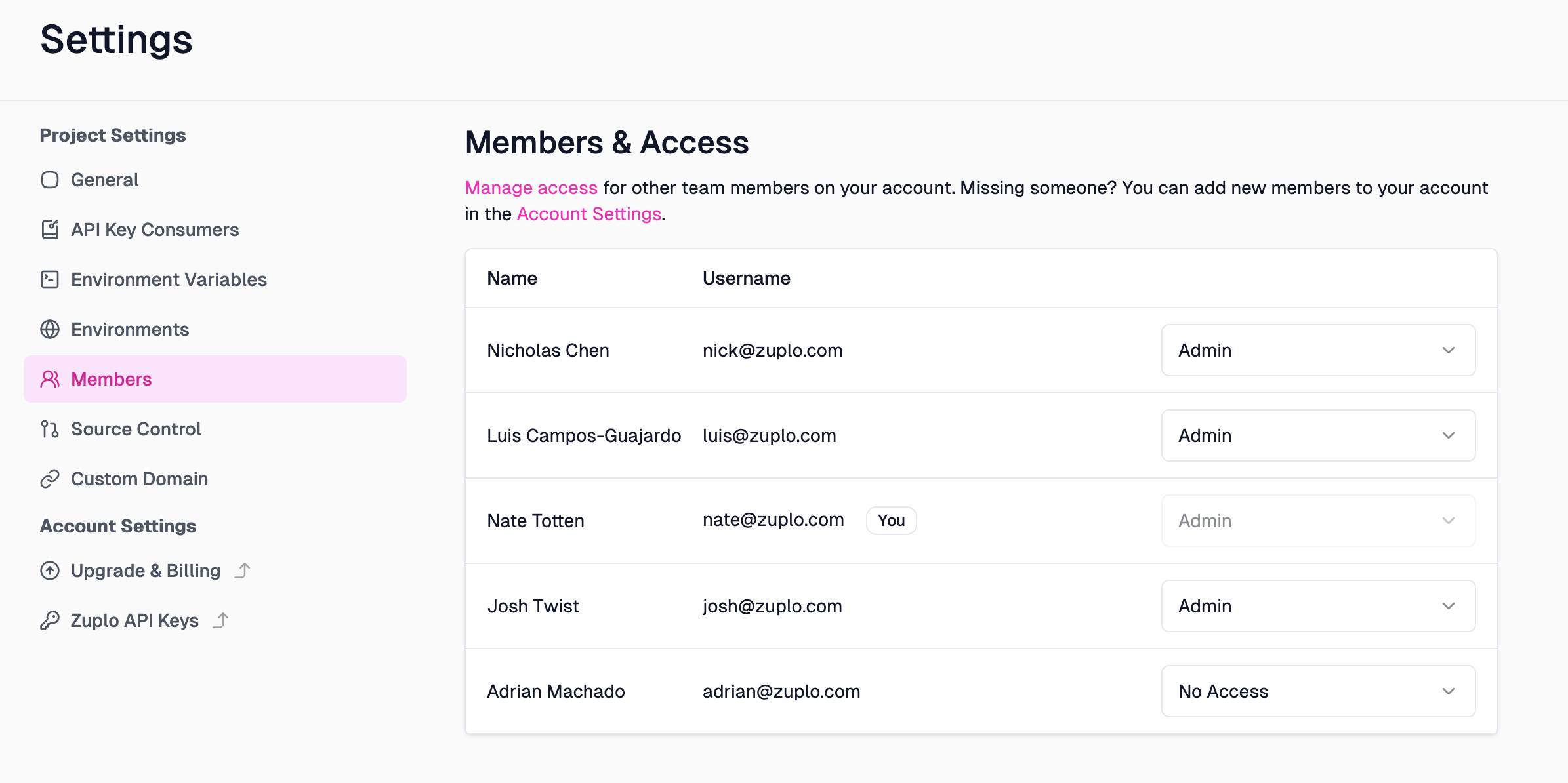
This list will display all account members - even those who have no access to the project.
Change Member Role
Enterprise Feature
Role Based Access Control is available as an add-on as part of an enterprise plan. If you would like to purchase this feature, please contact us at sales@zuplo.com or reach out to your account manager.
Most enterprise features can be used in a trial mode for a limited time. Feel free to use enterprise features for development and testing purposes.
Account admins will always have access to all projects. If you try to change the role of an account admin, you will see a warning message that this user is an account admin and can't be changed.
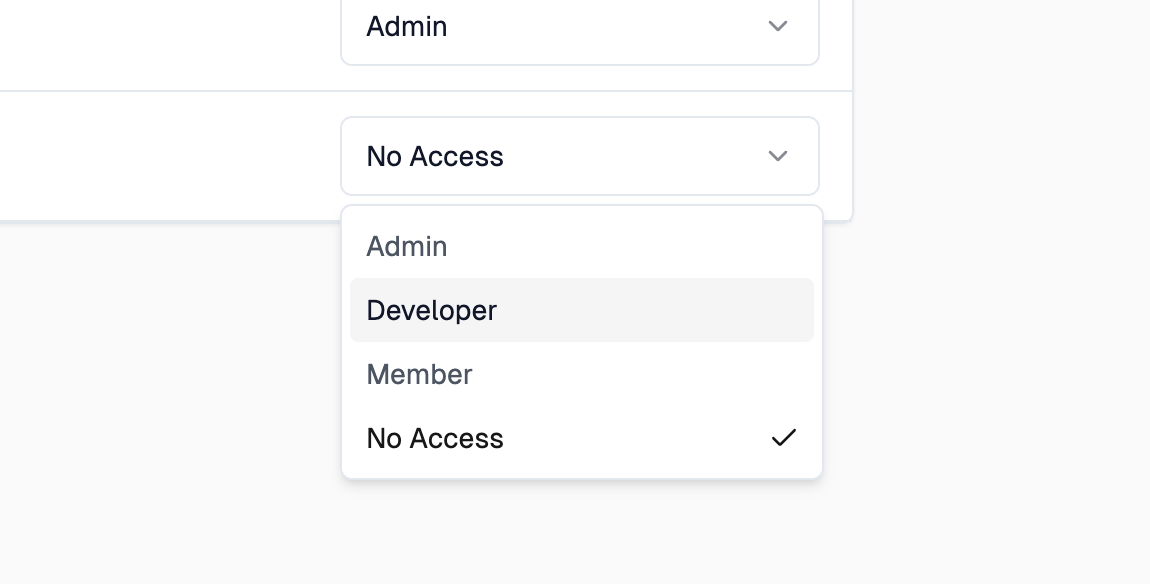
For users who aren't account admins, you can change their role by selecting the desired role from the dropdown.
Remove Project Member
Removing a project member can be done by selecting "No Access" from the role drop down.